What "free" usually means in a route planner
Almost every motorcycle route planner says "free." It rarely means the same thing. Most services draw a rough line between planning on a screen, which is often free, and everything that happens on the bike, which often isn't. Where exactly that line sits changes from time to time, so check the current plan details before you commit.
| Feature | Typically free? | What to check |
|---|---|---|
| Start, destination, stops | usually | How many stops are allowed? |
| Curvy profile, avoid highways | often | Is there more than one level? |
| GPX export | varies | Track or route, with waypoints? |
| Voice-guided navigation | often paid | Do you need it if you own a GPS? |
| Offline maps | usually paid | Matters in no-signal country |
| Auto-generated loops | often paid | Building a loop by hand works almost anywhere |
The upshot: for the actual work of planning a motorcycle trip, you rarely need a subscription.
Criteria for an honest comparison
Reviews love long feature lists. For most riders, six questions decide it:
- Coverage: Does the planner work where you ride? Some are limited to one country; others cover a continent or the world.
- Profiles: Is there a curvy-roads profile, and can you avoid highways, tolls and ferries? No planner finds "the best road"; it favors road types. Finding twisty roads covers how to judge them yourself.
- Map editing: Can you drag the line, move points and reorder stops? That's the difference between a ride and a commute route. See planning a route on a map.
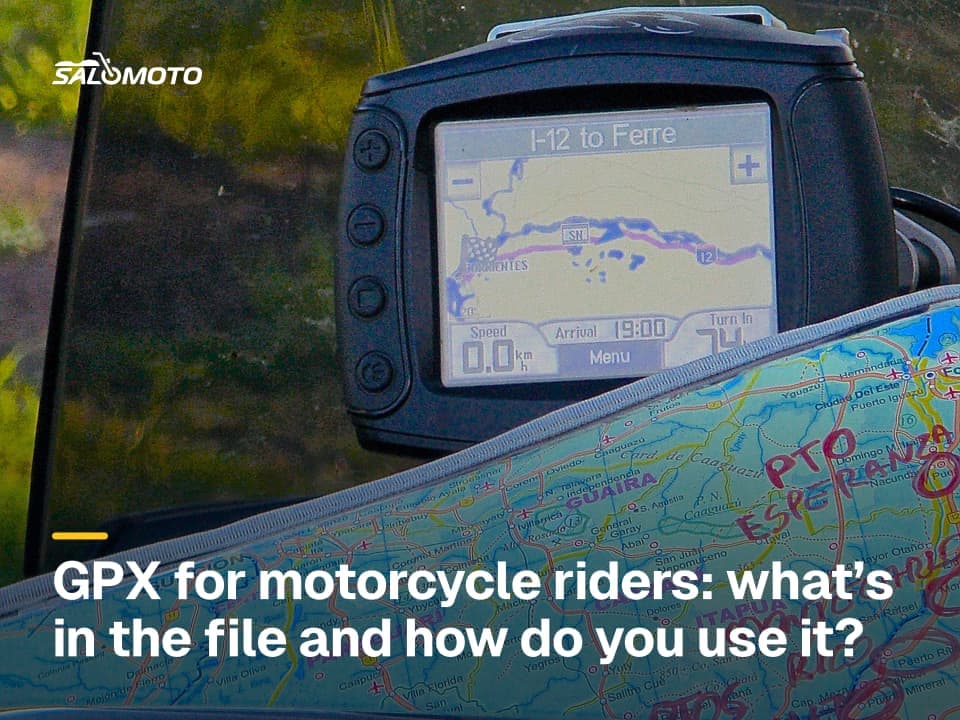
- Export: What file do you get? GPX is the common format, but tracks and routes behave differently on GPS units. Basics in the GPX guide, hands-on steps in exporting a route as GPX.
- Account and data: Can you plan without signing up? What does the service store about you?
- Platform: Do you plan on a big screen or on your phone? App, browser or desktop software weighs that up.
Planner, navigation app or route library?
A lot of frustration comes from lumping three kinds of tools together:
- Route planners build a route on screen and pass it on as a file or link. Their strength is control over the line.
- Navigation apps guide you on the road with prompts. What they offer for free is its own topic: free motorcycle navigation apps.
- Route libraries offer ready-made GPX rides from other riders. Handy, but you inherit their planning, outdated stretches included (free motorcycle GPX routes).
Some services bundle all three into one app. It still helps to judge each role on its own.
Test a planner in 15 minutes
Instead of reading "best of" lists, try a planner on roads you already know:
- Plan a loop near home that you've ridden many times.
- Compare the line with your experience: does it catch the good stretches and skip the dull ones?
- Toggle the curvy profile on and off. Does the line change in a sensible way?
- Export the GPX file and load it onto your GPS or app (GPX to a motorcycle GPS).
- Check whether the route looks the same there or gets recalculated.
- See whether you can keep the ride without an account, or whether it only lives inside the service.
Test like this and you'll know fast whether a planner suits your area and your device.
When paying makes sense
A subscription pays off when you'll actually use a feature on the road: voice navigation if you don't own a GPS, offline maps for rides through dead zones (offline motorcycle navigation), or generated loops if you like to head out on a whim. For planning alone, it's rarely necessary. One safeguard costs nothing: export your key rides as GPX and store them yourself, so they survive a change of service.
Salomoto today (as of November 2026): The Salomoto route planner is free and needs no account, but it plans routes within Germany only. You set a start, destination and stops, choose a profile from fast to very curvy, optionally avoid motorways (including expressways), tolls and ferries, and build a loop back to your start. It shows distance, estimated riding time without breaks and an elevation profile, and gives you a GPX track with start, via and destination waypoints or an approximate Google Maps link. A free account lets you save and share routes. Salomoto doesn't navigate, has no offline maps and can't open GPX files from other sources.