Places
Find the roads worth riding — and the places worth stopping for
Photo spots, viewpoints, biker meets and meeting points, marked by riders for riders. Find them on the map, save them, put them on your route and add your own.
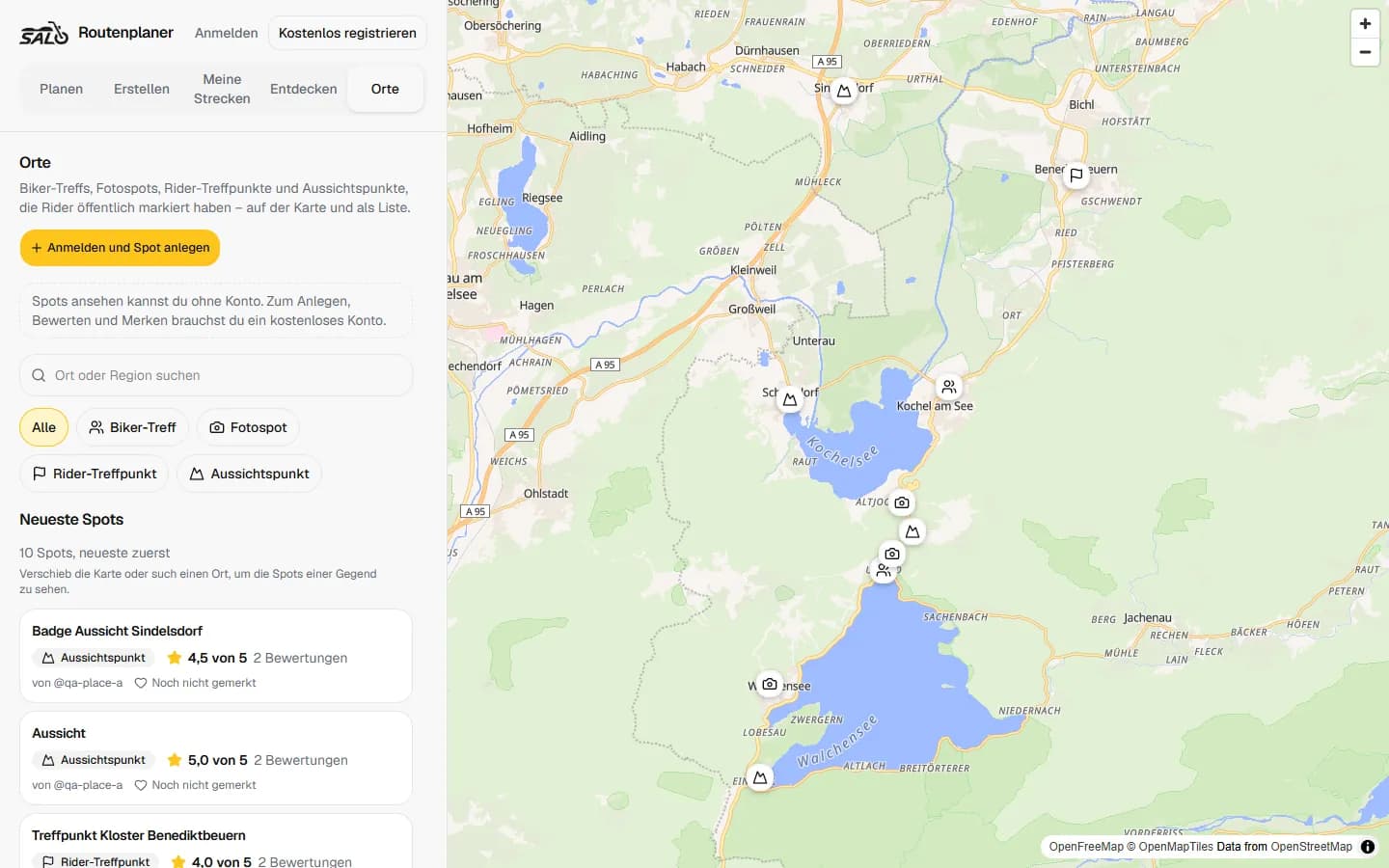
From a pin on the map to a stop on your ride
Find it
Browse the Places map in the planner — guests included — or search right where you're planning.
Save it
Tap Save and the Place sits in your Favorites, ready for the next ride.
Add it to a route
Add a Place as a stop in Plan or Create, straight from the map or its page.
Ride there
It stays on your route with its name and category — on to GPX or Google Maps.
Share it
Every public Place has its own page that opens for anyone you send it to.
Help others find it
Add your own spot, rate it and leave a note and photos for the next rider.
Four kinds of Places
Every Place is one of four categories, so you know what to expect before you ride there.
Photo spot
Where your bike looks its best: the backdrop other riders already found.
Scenic viewpoint
The view worth pulling over for — a pass, a valley, a lake.
Biker meet
The café, the car park, the regular spot where riders gather.
Rider meeting point
Where a group ride starts: easy to find, easy to park, easy to say “see you at nine”.
Photo spots
Find the spot where other riders take their photos
In an unfamiliar area, the best backdrop is rarely on a map. Photo spots are places riders have marked because the shot works — open one, see the photos and ratings, and add it to your ride.
- Filter the Places map to photo spots
- Add the spot as a stop on a planned route
- Save it for the ride you haven't planned yet
- Mark your own and help the next rider get the shot
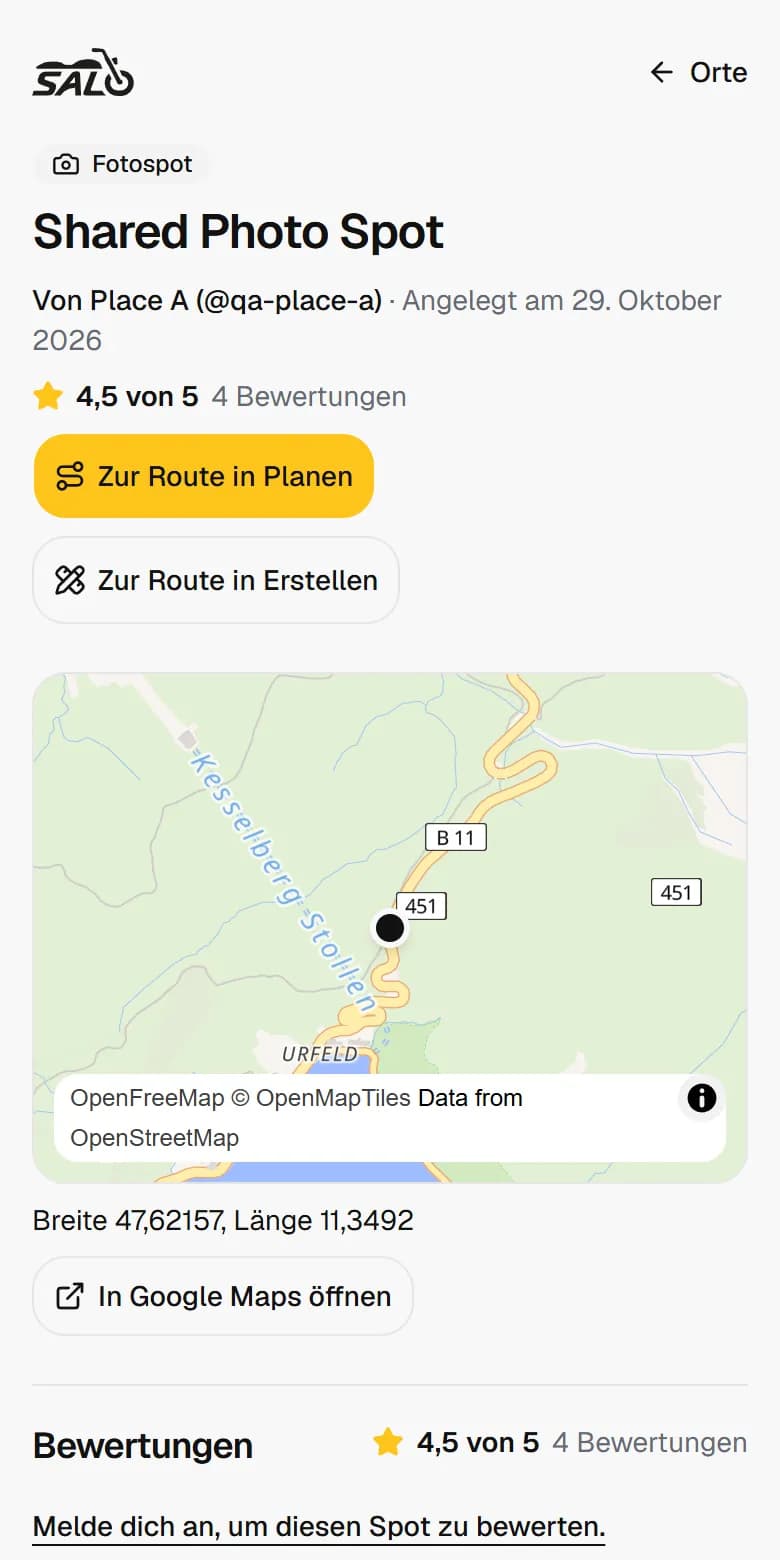
In the route planner
Search Places while you build the route
Under your stops, Add a Place opens the Places around your route — with search, category filters and a map. Choose one and it becomes a stop: no address hunting, and the Place keeps its name and details on the route.
- Places along the route, searchable by name
- Filter by photo spot, viewpoint, biker meet or meeting point
- From a Place's page: add it to your route in Plan or Create
- Show the Places layer on the planning map whenever you like
Contribute
Add the spot you know
With a free account you can add Places, rate them and save them. Choose public or private when you add one — a public Place appears on the map for everyone right away.
- Rate a Place from one to five stars, with a note and up to three photos
- Already there? A new public spot near the same kind of Place joins it instead of duplicating it
- Your photos are seen by your friends — and by everyone while you have Salomoto Plus
- Something wrong with a Place? Report it, even without an account
Public when you want, private when you don't
Not every spot is meant for the world. Places follow the audience you chose.
Private Places
Only you see them — on your map, in My spots and on your own routes.
Favorites
The Places you saved show on your profile only to the audience you choose. Private by default.
On a shared route
A public Place shows with its marker and link. A private one stays hidden like any private stop.
Questions
Places FAQ
Can I find motorcycle photo spots?
Yes. Photo spot is one of the four Place categories. Open the Places map in the route planner and filter for photo spots — no account needed to browse.
Can I add a photo spot to a route?
Yes. While planning, Add a Place shows the Places around your route; pick one and it becomes a stop. You can also add a Place from its own page.
Can I save motorcycle Places?
Yes. Save puts a Place in your Favorites. You choose who sees your favourite spots on your profile — they're private by default.
Can I find biker meeting spots?
Yes. Biker meets and rider meeting points are their own categories on the Places map.
Who can add Places?
Anyone with a free Salomoto account. A public Place is visible right away; reports from riders and our moderation keep the map clean.
Where are Places available?
Places are marked by riders, so they appear wherever riders add them. Search and routing in the planner currently cover Germany.
Know a spot worth the stop?
Open the Places map, find your next stop — or add the one you know.
Open Places