Three platforms at a glance
Route planners come in three forms. Plenty of services offer more than one, but the strengths stay typical.
| Platform | Strengths | Weak spots | Good for |
|---|---|---|---|
| Phone app | always with you, plans and navigates in one | small screen, battery, extras often paid | spontaneous riders without a GPS |
| Web planner in a browser | big screen, nothing to install, runs anywhere | needs internet, features vary by service | planners who hand off GPX |
| Desktop software | very precise editing, often works offline | install, map updates, usually one computer | tinkerers and GPS owners |
Which features are free and which need a subscription is a separate question; see free motorcycle route planners.
Where you plan vs. where you ride
The key question isn't "app or browser." It's whether the same device does the planning and the riding.
- One device for everything: If you don't own a motorcycle GPS and ride with your phone, an app that both plans and navigates is a good fit. The route is already where you need it.
- Two devices: If you have a GPS on the bars, you'll probably prefer to plan at the computer. A mouse and a big screen let you place points more precisely, see more of the area and compare options side by side. Then the route goes to the GPS as a GPX file, as covered in loading GPX onto a motorcycle GPS.
For the actual map work (placing points, dragging the line, getting rid of loops) a big screen has a clear edge. Planning a route on a map explains the technique.
Groups: If one person plans for everyone, send the GPX file and a link. Almost every GPS and app reads GPX, but not every platform opens a link the same way, and anyone riding without the file may end up on a differently calculated route.
Syncing and who owns your data
Once you plan on more than one device, where your rides live starts to matter.
- Account with sync: convenient, the ride is on your computer and your phone. The trade-off: your routes depend on the service. If it changes pricing or shuts down, you'll have to move.
- Local files: desktop software often saves to your computer. That gives you control, but without a backup your collection is gone when the drive fails.
- GPX as the common format: whatever platform you use, export important rides as GPX and keep copies yourself. The GPX guide explains what's in the file and why tracks and routes differ.
Prepare for no signal
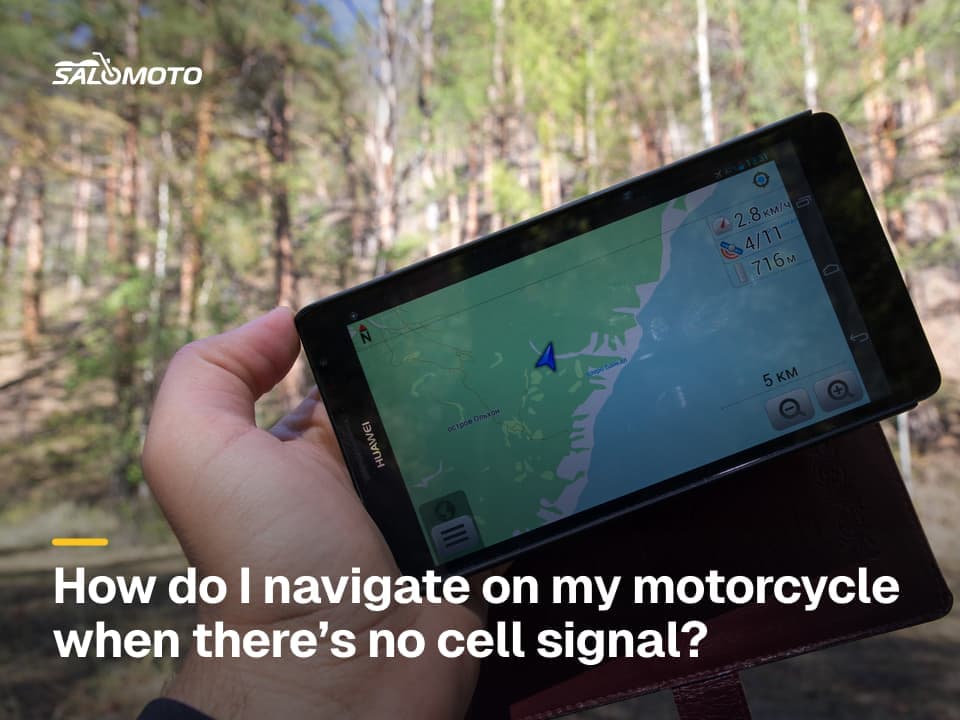
A web planner needs internet to plan, and an app often needs it on the road too, unless it has offline maps. In mountain valleys and across big stretches of the rural West, dead zones are common. Get ready before you leave:
- Download maps for the area in your app or GPS ahead of time
- Put the route on the device as a file, not just a link
- Test in airplane mode that the map and route still show
- Check your charging cable or the bike's power outlet
- Carry the key towns as a note
Offline motorcycle navigation goes deeper, including the difference between GPS reception and cell data.
How to decide
Answer three questions and the platform mostly picks itself:
- Do you own a motorcycle GPS? Then plan at the computer (browser or software) and transfer GPX.
- Do you prefer planning at home or on the road? Home points to a big screen, the road to an app.
- How much do you care that your rides belong to you? The more you do, the more export and local copies count.
"Plan at the computer, ride from a file" works with almost any combination. The whole planning process is laid out in how to plan a motorcycle trip; navigation apps are covered in free motorcycle navigation apps.
Salomoto today (as of November 2026): The Salomoto route planner is a web planner that runs in the browser on your computer or phone, with nothing to install and no account required, and it plans routes within Germany only, with profiles from fast to very curvy. You can download the finished route as a GPX track or open it in Google Maps; with a free account you save it and find it again on any device. Salomoto has no offline maps and doesn't navigate; that's what your GPS or app is for.