Three ways to keep a record of a ride
Riders mean different things when they say they record their rides. Some want the exact line on a map, some want a diary, some want both. The method you choose decides what you can do with the record later, so it pays to see the options side by side before you install anything.
| Method | What it captures | Best for | Weak spot |
|---|---|---|---|
| GPS track (phone app or GPS unit) | the line you rode, time stamps, often elevation | riding a road again, sharing a file | battery, gaps, no context |
| Ride log (app or spreadsheet) | date, bike, miles, riding time, notes, photos | memories, mileage, comparing rides | no exact line |
| Paper journal | whatever you write down | trips worth retelling | hard to search or total up |
A GPS track is a list of position points your device saves every few seconds while you ride; the GPX format stores them as track segments, points connected in order. A ride log entry is something you write yourself after the ride. A paper journal is the same idea with a pen. None of them is the right one in general; they answer different questions.
What a GPS track gives you, and where it falls short
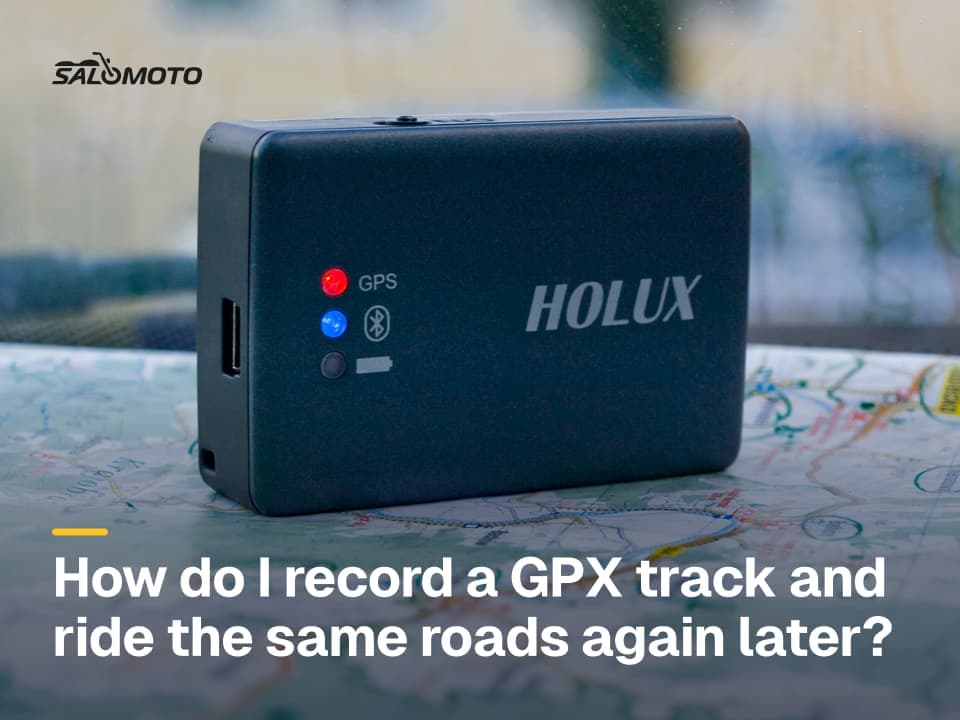
A recorded track doesn't flatter you. It shows the road you actually took, including the detour around a closed bridge and the turn you missed without noticing. Saved as a GPX file it opens in most mapping tools and navigation devices, which makes it the format to keep if you want to record a track and ride it again. How tracks differ from routes and waypoints is covered in the motorcycle GPX guide.
Know the limits before you trust the line:
- Accuracy: GPS.gov says GPS-enabled smartphones are typically accurate to within about 16 feet under open sky, and less accurate near buildings, bridges and trees. Deep valleys and tunnels add zigzags or straight lines across gaps.
- Battery and permissions: Recording keeps location running for hours. On Android 11 and later, recording in the background needs the "Allow all the time" location option, set on the app's settings page; without it, a recording can stop when the screen goes dark.
- Numbers that mislead: Moving time and total time depend on how an app treats stops, which is why two apps rarely agree. Moving time vs. total time untangles the terms.
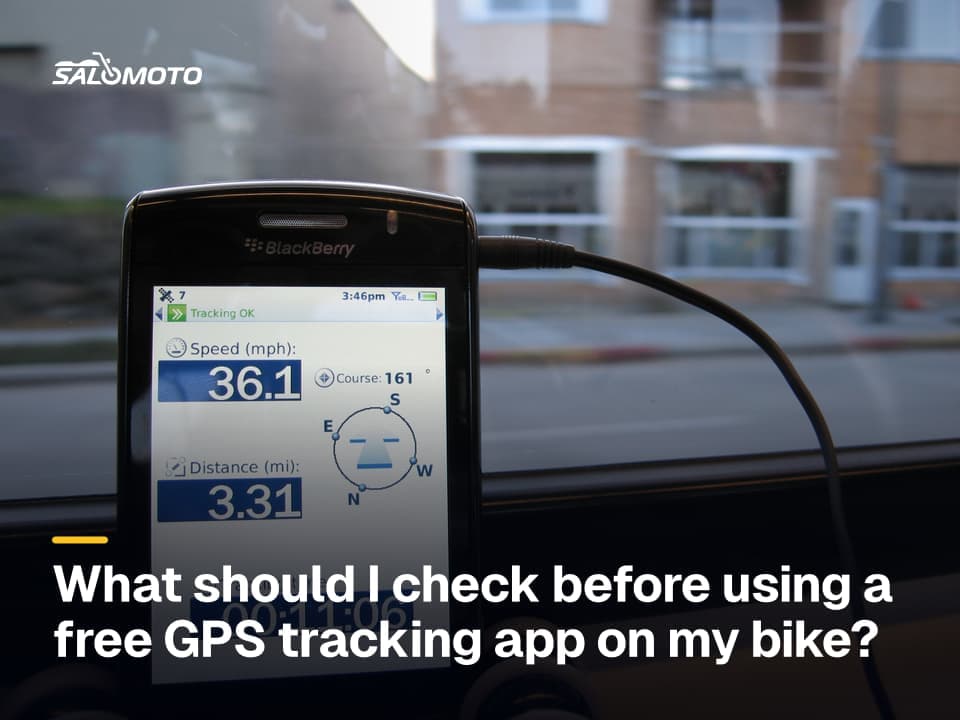
- Privacy: Most tracks start and end at your front door. What free apps keep and share varies a lot; free GPS tracking apps and your privacy covers what to check.
What a ride log gives you
A ride log holds what no GPS can measure: which bike you took, who rode with you, the weather, how the pavement felt, where you stopped for coffee, and what you'd do differently. Over a season it becomes genuinely useful: mileage per bike, a list of roads worth repeating, and a record of how long a familiar loop really took you, which helps when you estimate how long a ride will take.
A useful entry takes two minutes: date, bike, start and finish, miles from the trip meter, riding time, two or three sentences and a photo. The motorcycle ride log guide goes through which fields are worth keeping and which you'll never look at again.
RoadDex today: RoadDex is Salomoto's ride log. You enter each ride by hand with date, bike, distance, duration, a note and up to three photos, and you can link it to a route you saved from the Salomoto route planner, which plans routes within Germany. RoadDex records no GPS and does not take in tracks from other apps.
Which method fits which goal
- You want to ride the same roads again: record a track, or plan the route ahead and keep its GPX file.
- You want a history of your riding: a ride log is enough, and it doesn't need a phone working all day.
- You share rides with friends: a track shows the line; trim the stretch near your home first.
- You're on a multi-day trip: one track per day plus a short log entry each evening, written while you still remember the details.
- You'd rather not have apps running in the background: log by hand; your trip meter and your memory do the work.
Plenty of riders combine the two. They plan the route in advance, ride with their usual navigation app or GPS unit, and write the log entry afterward. The plan says where you meant to go; the log says how it went.
Before you record: a short checklist
- Decide what the record is for: riding it again, sharing it or remembering it
- Check location permission and battery settings at home, not in a parking lot five minutes before you leave
- Mount the phone securely and power it from the bike or a power bank
- Start recording while parked, before you pull away
- Stop it once you're parked again, never while riding
- Back up the track the same day; a lost phone takes the recording with it
- Trim the first and last stretch before you share a track publicly
- Write the log entry within a day or two