What "free" usually means for a tracking app
An app that logs your location for hours costs its maker servers, map data and development time. If you don't pay, it earns money some other way: ads, a subscription that unlocks the useful parts, or the data the app collects. That doesn't make every free app shady. There are open-source GPS loggers that store everything on the phone and never ask for an account. Still, a few questions are worth answering before you install anything.
| Question | Why it matters |
|---|---|
| Do I need an account? | Without one, tracks usually stay on the phone; with one, they live on the company's servers |
| Can the free version export GPX? | Without export, your rides are stuck in that one app |
| Is ride history or the number of rides capped? | Some free tiers show only recent rides |
| Are new rides public by default? | Then anyone can see where your rides start and end |
| What does the store's privacy label say? | It shows whether location is linked to ads or shared with others |
Features and prices change often. Go by the current store listing and the company's own help pages, not by a roundup from three years ago.
Location permissions: what the app really needs
To record a ride, an app needs to read your precise location, and keep reading it while you're not looking at it.
Android: For each app you choose whether it may use location all the time, only while you're using the app, after asking every time, or never. Since Android 10, background access is a separate permission, and from Android 11 on it can only be granted on the app's settings page ("Allow all the time"). Android sends a reminder the first time an app uses your location in the background. Many trackers run as a foreground service instead: as long as a persistent notification is showing, the app counts as active, even with the screen off. If you grant only approximate location, Android's developer docs say the app gets an estimate good to about 1.2 square miles, which is useless for a track.
iPhone: iOS offers Never, Ask Next Time Or When I Share, While Using the App and Always for each app, plus a Precise Location switch. With Precise Location off, the app only gets your approximate position. When an app uses location in the background, the status bar shows it.
Rule of thumb: grant what the recording needs and nothing more. If you only ride in season, take back "always" over the winter.
Battery: why your phone is dead by mid-afternoon
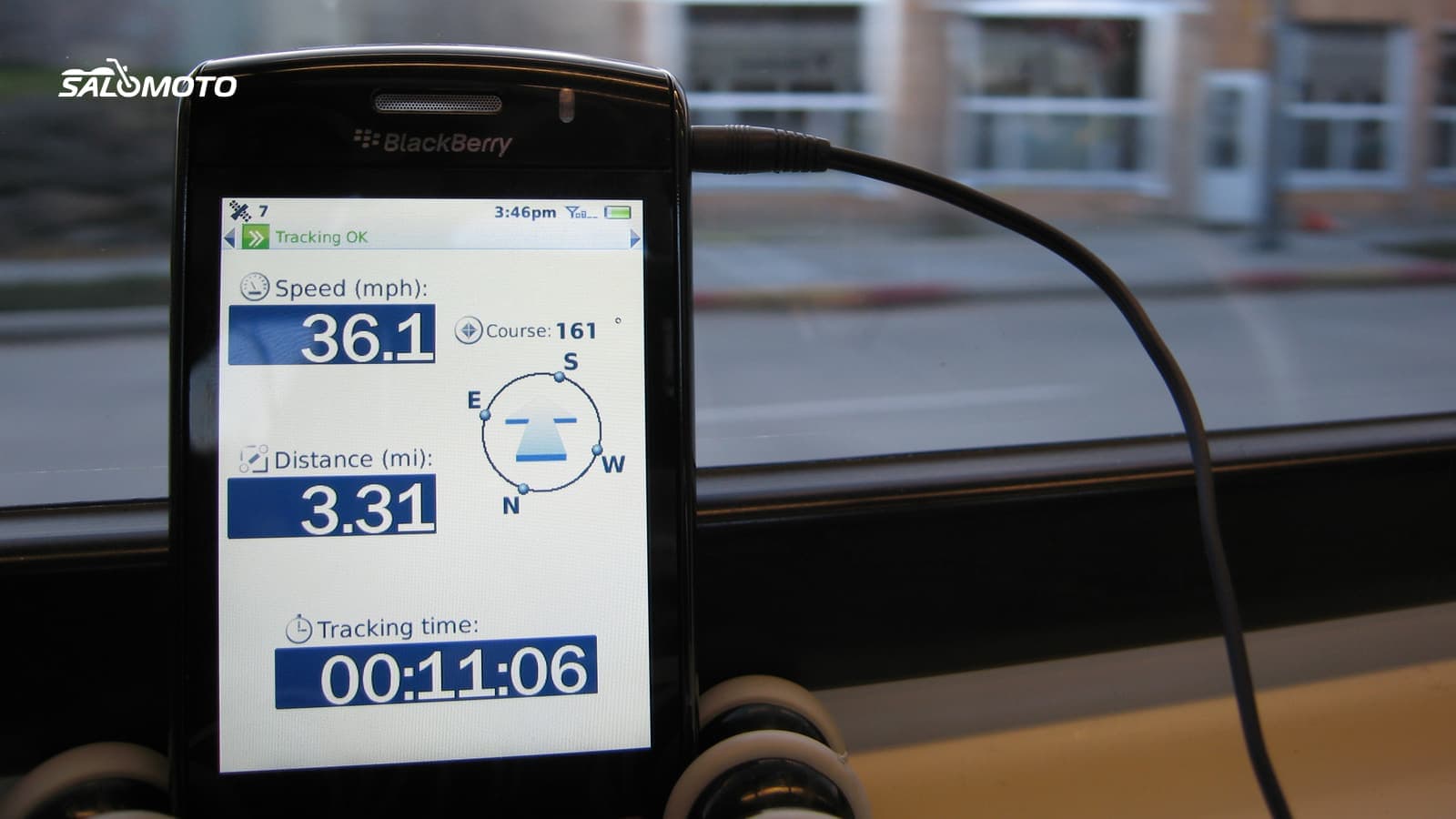
Hours of location, plus the screen, the cell connection and heat on the handlebars, add up. Plenty of tracking apps warn in their own store listings that background GPS can cut battery life sharply. What helps:
- Plan for power: a USB outlet on the bike or a power bank in the tank bag. Make sure the mount and cable can handle rain and vibration.
- Screen off when you're not following a route: recording continues without the display if the permissions are right.
- Pick an interval: if the settings offer a recording interval, a point every few seconds is usually plenty on back roads.
- Test Battery Saver: on Android it can restrict location access, so try the combination at home first.
- Avoid heat: a phone in direct sun charges poorly and slows down. A spot in the airflow or shaded by the fairing helps.
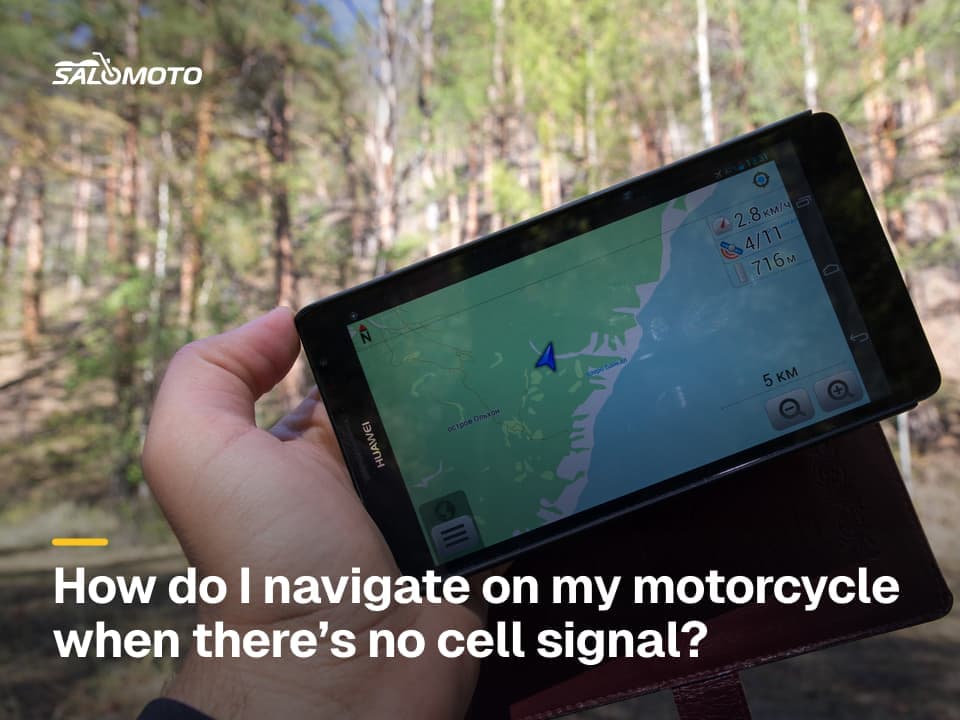
If you already ride with a navigation app, some of them record on the side. What still works without a signal is covered in offline motorcycle navigation.
Privacy: what happens to your tracks
A track reveals more than a road: where you live, where the bike sleeps at night, when you're regularly away from home. In the US there is no single federal privacy law that covers ride apps, and rules vary by state. California is one example: its consumer privacy law lets residents ask a business what personal information it holds and to delete it, with exceptions, and it lists precise geolocation as sensitive personal information whose use you can limit. Other states have their own laws, so check yours and read the app's privacy policy either way.
In practice:
- Set new rides to private before you record the first one.
- Set up a privacy zone around your address if the app offers one. In some apps it only applies to new rides.
- Share live location only with specific people and with an end time.
- Export your tracks as GPX before you close an account.
- Once a year, clean out old rides you shared.
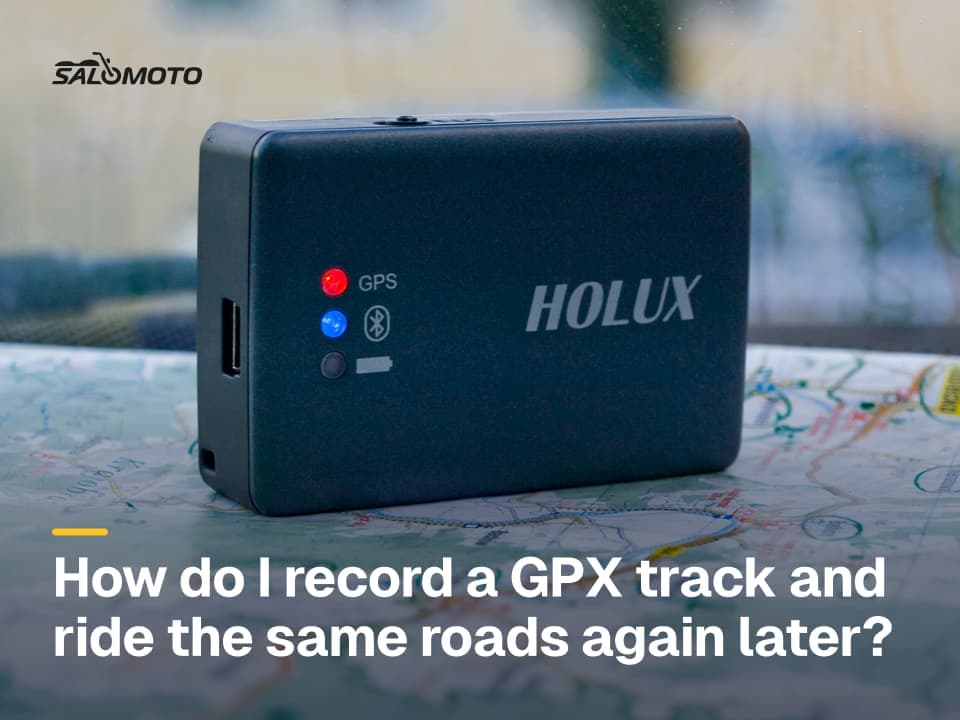
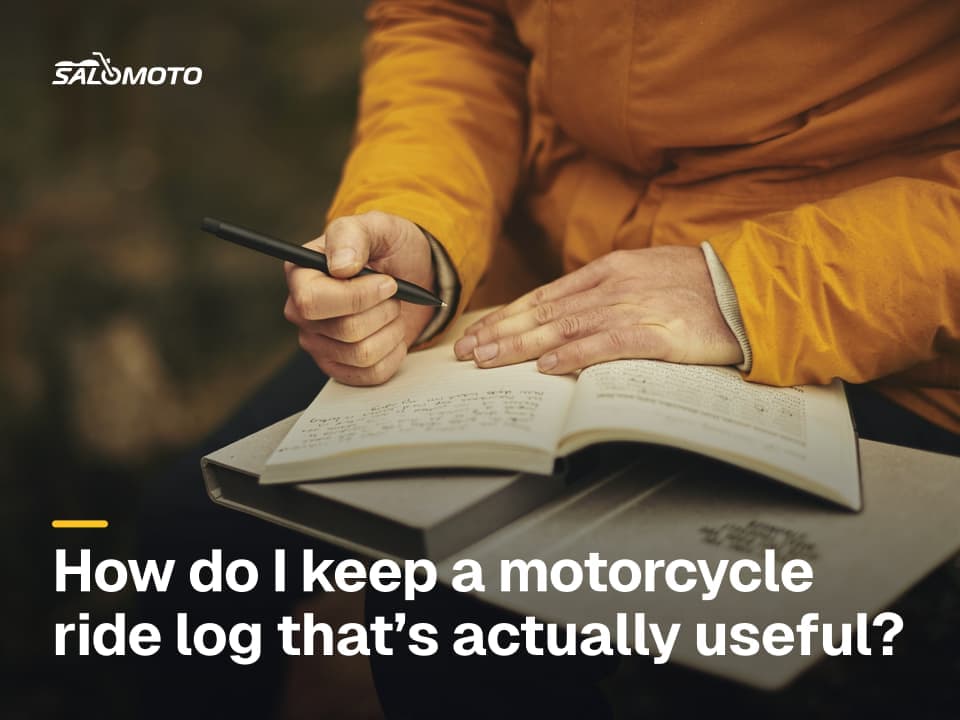
How to record a clean track and ride it again later is covered in record a GPX track. Whether you need a track at all, or a log would do, is the question behind recording motorcycle rides.
Quick check before you install
- Read the privacy label and the privacy policy
- Know whether tracks stay on the phone or go to the company
- GPX export available in the free version
- Precise and background location allowed for this app only
- Test recording done with the screen off
- Visibility set to private, privacy zone around your address
- Power from the bike tested
RoadDex today: Salomoto doesn't record GPS and offers no live tracking. RoadDex is a ride log where you enter the date, bike, distance and duration yourself; no coordinates are stored. For the line you actually rode you still need a separate app or GPS unit, and if all you want is a history of your riding, the motorcycle ride log guide shows which fields are worth keeping.
Legal information on this page refers to the United States, where rules vary by state.